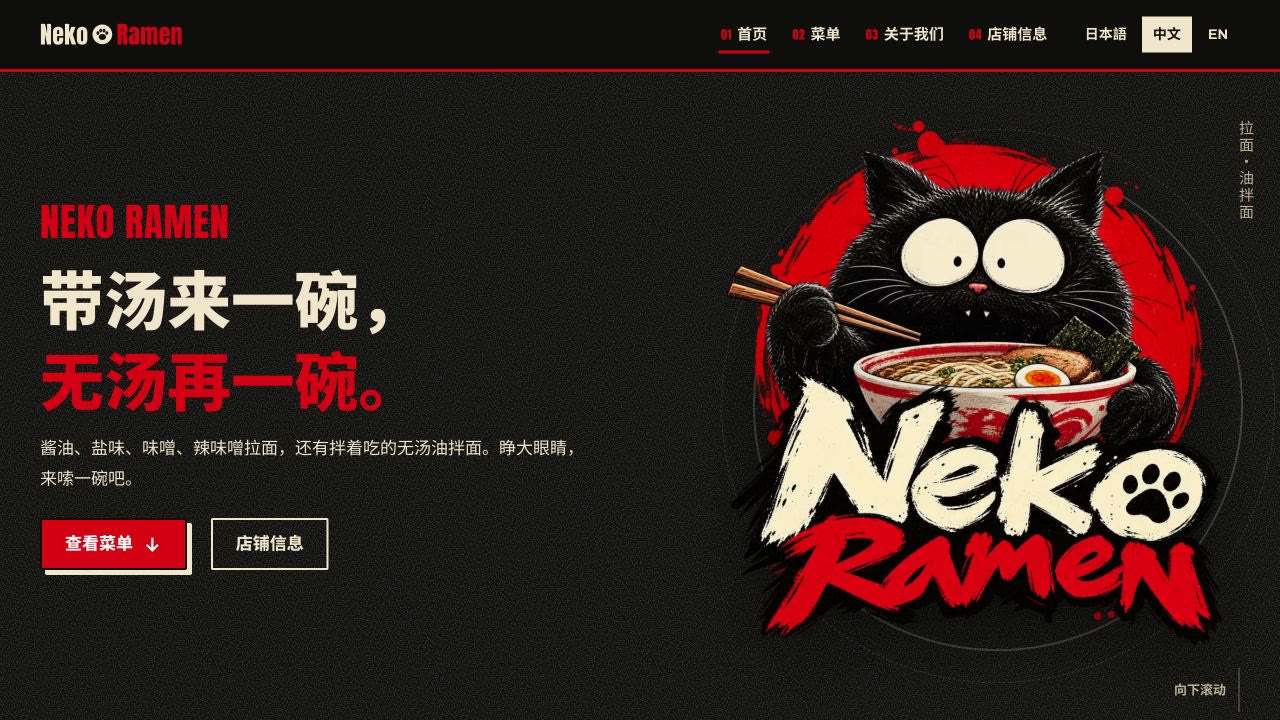
This time it's a ramen brand. The cat logo, the brand visuals, the website and the launch: I did all of it with AI. Open the site and the first thing you see is a cat eating ramen. Scroll down and there's the menu, the story of the shop, and where to find it, in Japanese, Chinese and English. Here's the video, or read on for the written version.
 Play video
What I want to show is how one character carries the whole project: how the cat got picked out of a pile of concepts, then turned into a shopfront, packaging, and the noodle-eating loop at the top of the website.
The brief
The job: redesign a ramen brand around a cat as its main character, then carry that identity into the brand's website.
The site itself is simple. Guests should get a feel for the shop, browse the menu, and find the address and opening hours. And from day one it needed three languages: Japanese, Chinese and English.
The menu has a fair number of dishes (ramen with soup, soupless aburasoba, toppings, a set), so part of the work was organising it so it's easy to scan.
With that settled, the first question was the character. What should this cat actually look like?
From references to a cat with a blank stare
I started by collecting cat references in lots of different styles, just to see which ones I liked before deciding on a direction.
Then I uploaded the ones I picked and told the AI: I want a ramen brand with a cat as its face; generate some logo concepts from these references.
At this stage I keep the prompt loose on purpose. Cat, ramen, a rough sense of the style, and room for it to explore. If a round gives me nothing I like, I generate again or swap the references. The batch you see in the video built up like that, round by round.
Every cat had a slightly different outline, expression, and way of combining with the noodles. When choosing, I asked two things:
- Is this cat memorable?
- Will it still work beyond the logo, on the menu, the packaging, the website?
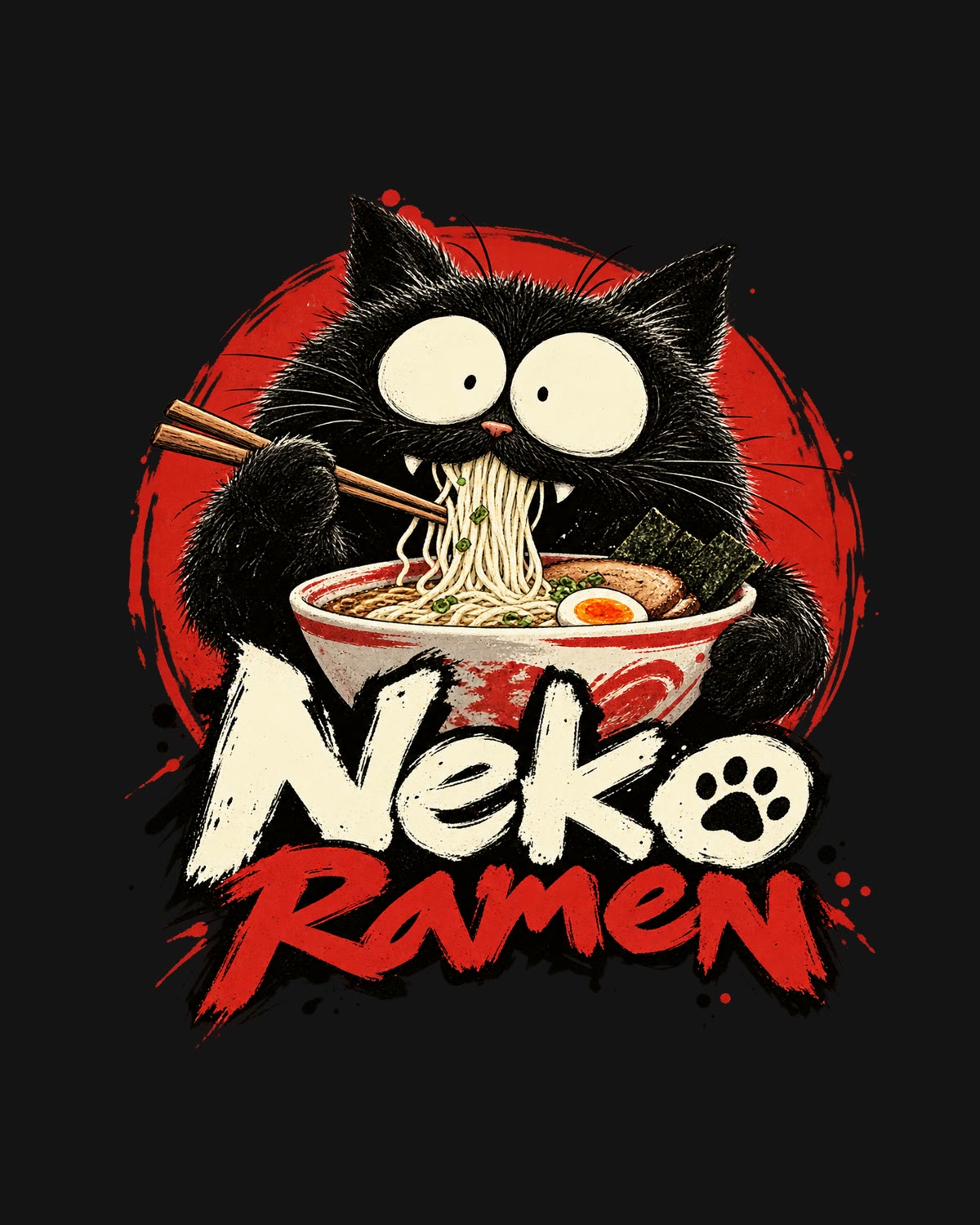
We went with this black cat. It looks a little dazed, and that expression is exactly why I wanted to keep going with it.
Turning one cat into a brand
Next, I extended the logo into a full visual identity.
I kept the complete cat, and also pulled its eyes out on their own as a flat, single-colour mark. That gives every piece of material two options: the full cat where there's room for it, or just the eyes where there isn't, and the character still comes through.
Around those two elements I generated a storefront sign, a lightbox, the menu, a takeaway bag and tableware.
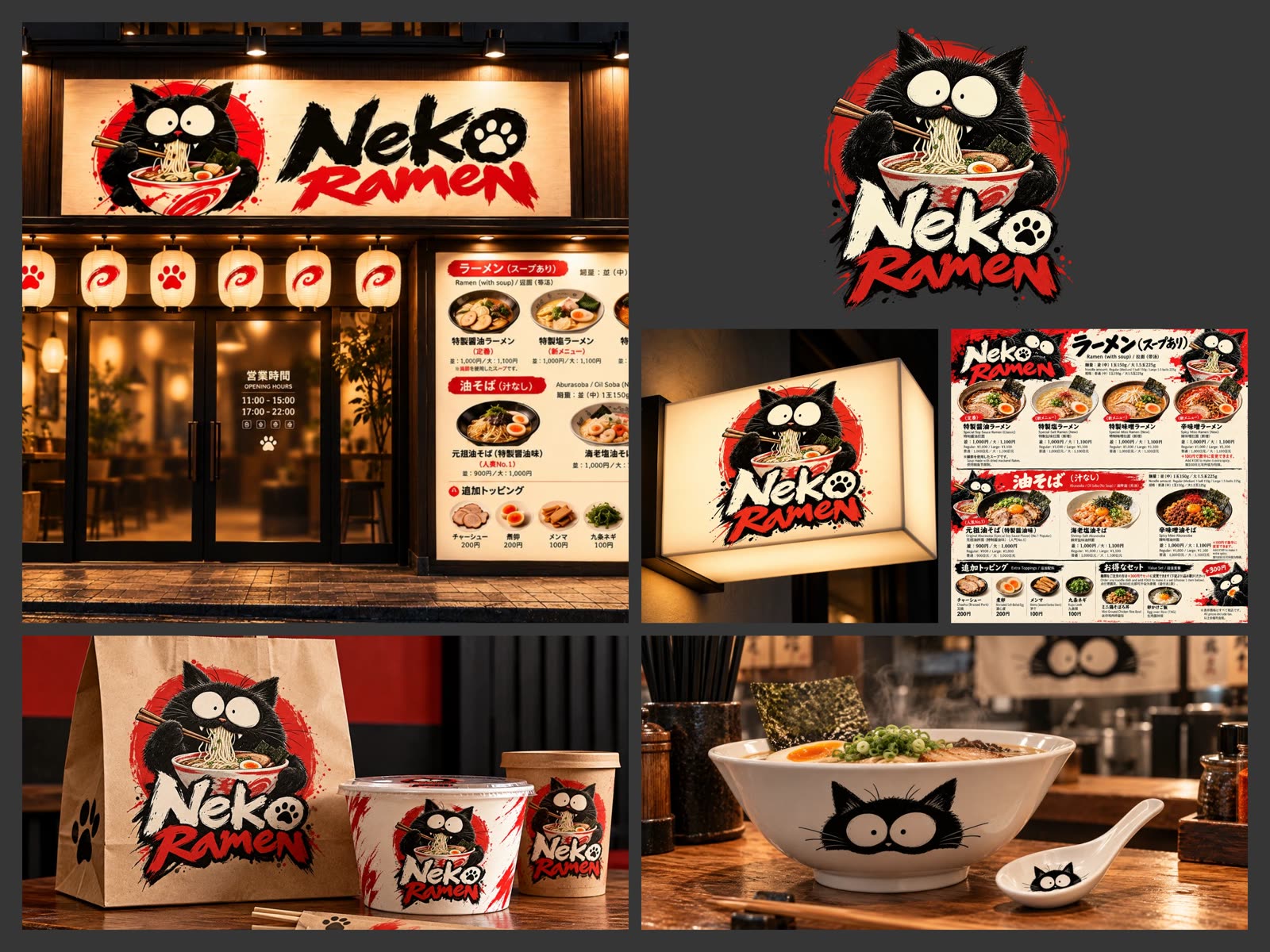
Put side by side, these answer the real question quickly: can this cat carry a whole brand, and do all these pieces feel like they belong together? (To be clear, these are mockups showing how the identity applies, not photos of a finished shop.)
Planning the site, then a design system
Before any design, I planned the structure. It's a one-page site with four parts, top to bottom:
- Hero, so the cat is the first thing you remember
- Menu
- About
- Location, with a map and opening hours
Then the setup: a new repository on GitHub, a local project folder, and a new Design System in Claude Design.
I gave it the project brief and uploaded the brand assets: the logo, the cat, the application mockups. The brief spelled out what's on the site, the three languages, and how I wanted the assets used. Everything designed so far became the input for this step.
What came back was a fairly complete design document: the overall style, the key details, and the rules for the project. From here on, development could follow it.
Handing the design to Claude Code
When the design file was ready, I clicked Share, chose to send it to Claude Code, picked local mode with the relevant files, and copied the handoff prompt it gave me.
Then a new session, with the working directory set to that local project. I pasted the handoff prompt and the GitHub repository URL, and added my own development notes: the one-page structure, the three languages, and how to use the brand assets.
Under the hood it's a Next.js site exported as plain static files, with GSAP and Lenis for the scroll animations. Each language gets its own URL (/ja/, /zh/, /en/), and the whole menu lives in one file where every dish has its name in all three languages.
The first version was close in overall style, and the structure followed the plan. But scroll further and plenty was missing: the menu was plain text, and the location and opening hours were empty. It showed me the shape of the site. Now each section needed the real content and brand assets.
Making the cat eat ramen
I started with the hero. It's the first thing anyone sees, and the place where I most wanted the cat to have personality. I wanted it to move: a cat actually eating ramen.
So I split the hero into three layers: text, background, and the cat. Separated like that, the cat can be animated on its own while the text and background stay perfectly still.
Then I generated two images of the cat in slightly different poses, to use as the first and last frames of a looping animation.
I gave Claude the layered assets, described how the cat should move and where it would end up on the page, and had it call Higgsfield to make the animation. In practice that meant two short clips: one going from pose A to pose B, one going back from B to A. Played back to back, they make a loop. Both were generated on a flat blue background so the cat could be cut out cleanly, with a few frames of crossfade at each seam.
Giving the model a first and last frame doesn't guarantee a good loop, though. Watch the actual motion, especially the moment it ends and jumps back to the start. That's where a loop looks either seamless or broken.
Here's the version that went on the site:
On the page it plays with a transparent background, over the hero, with a still image as a fallback. Next to the original static hero, the site suddenly has a personality of its own. This is my favourite part of the whole project: the character we picked at the very start, finally moving on the website.
The same trick turned up again in the footer: a cat peeking up from the bottom edge of the page, using one image as both the first and last frame so the loop closes on itself.
Filling in the rest
After the hero, I worked through the other sections one at a time. I find it helps to split requests up: the menu first, then the location, each time pointing at a specific spot and saying what should change, then going back to the page to look.
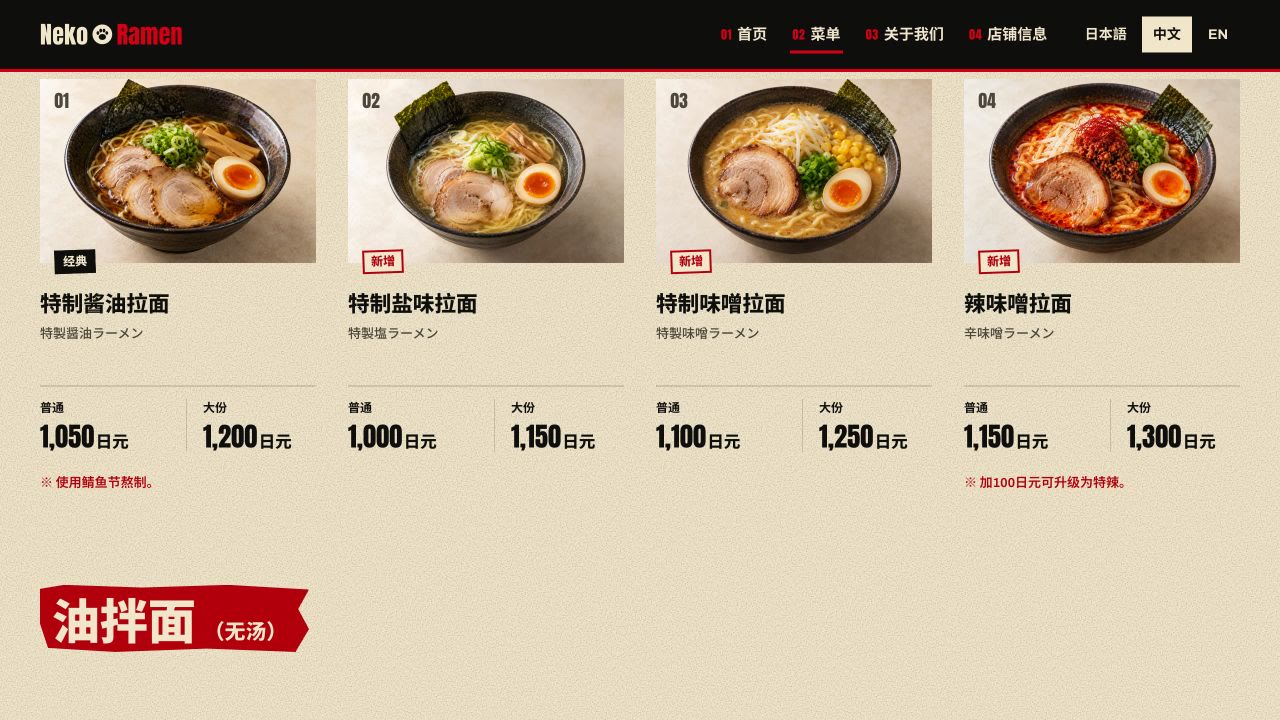
Each language needs its own pass. The same heading gets longer or shorter in another language, so beyond the words, watch the line breaks, the menu layout, the buttons and the navigation.
And before launch, check desktop and phone separately. The menu has to be easy to read, and practical things like the map and opening hours easy to find. That's what guests actually use.
Deploying to Railway
For hosting I picked Railway, which I find easy to get started with. I gave Claude the URL of Railway's deployment guide and asked it to deploy this project following it. The parts that need you, like picking the project, authorising your account and filling in settings, I did myself as the prompts came up.
Once it's live, open the real URL and go through it again. Check that the pages and images load, that the animation plays, and that the language switch and the main links work. A site that works locally isn't proof the deployed one does.
What connects it all
Looking back, from the first cat references to the logo, the brand pieces and now a website you can visit, what made it work was keeping the steps connected:
- Explore wide early. Let AI try lots of directions in the concept phase.
- Commit to one character. Once the cat was chosen, every asset was built around the same one.
- Hand over assets with a clear brief. The design system and development both started from what came before.
- Review the real result, section by section, until it's right.
You can see more of the finished brand and the full homepage on the Neko Ramen project page.
AI took part in every stage of this project. What I did most was choose the direction, write the requirements, and judge whether each result fit the brand.
Which part would you like me to go deeper on: the brand design, the website build, or the cat animation? Tell me in the YouTube comments, and subscribe below to get the next one.